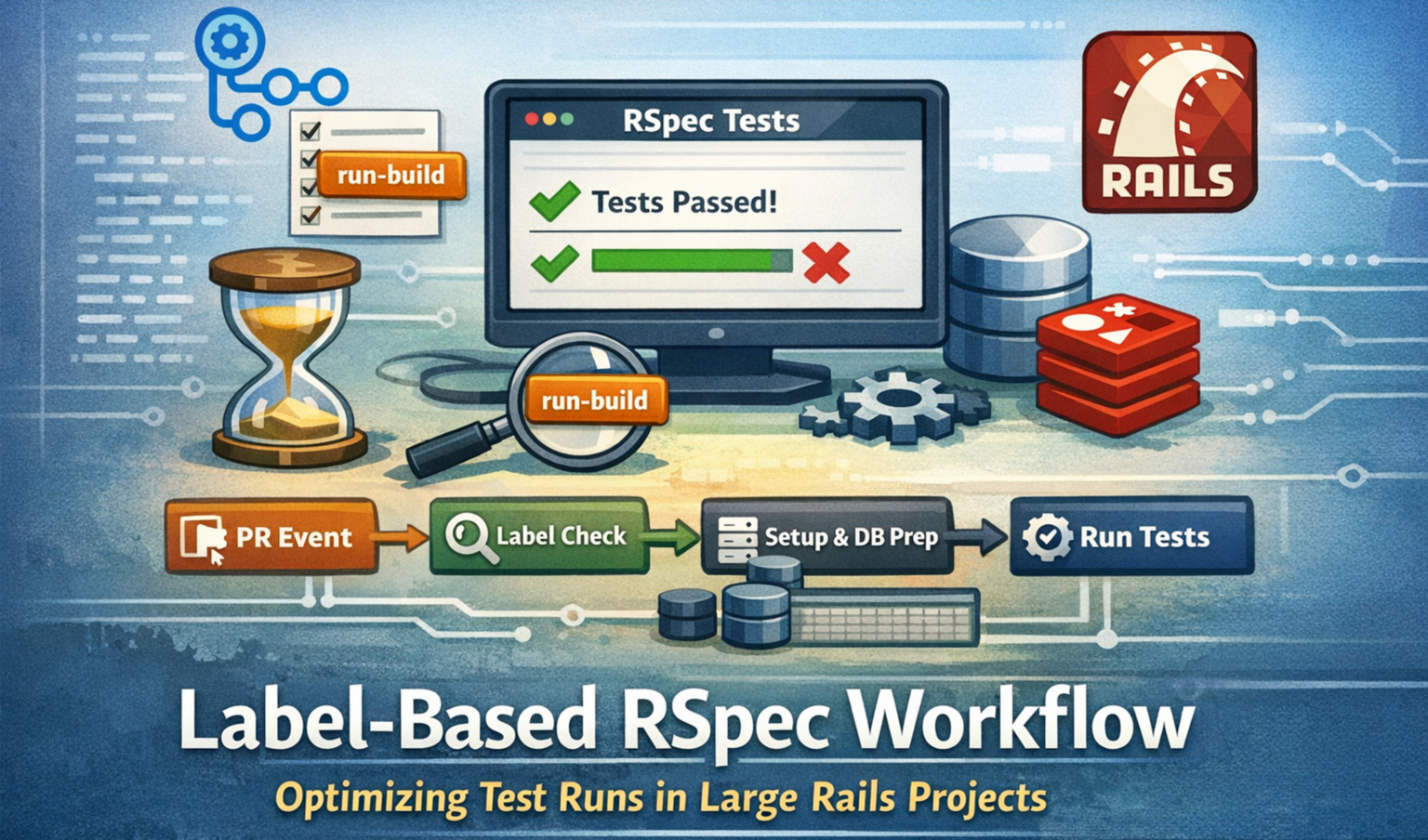
In Part 1, we explored why a label-based RSpec workflow is useful. Running full test suites on every pull request is slow, inconsistent across machines, and often skipped under time pressure.
Guest article by Sonal Sachdev — Part 2
Now, in this blog, let’s dive into how this workflow works, why it’s designed this way, and best practices for scaling it in large Rails projects — complete with diagrams and step-by-step explanations.
Why Label-Based RSpec Runs?
Many Rails teams face the following problems:
- Slow feedback loops — Full test suites take minutes, sometimes hours, to run.
- Inconsistent results — Local machines can have slightly different environments, causing flaky tests.
- Tests skipped unintentionally — Developers sometimes bypass heavy CI runs to save time.
- Unclear merge confidence — Without a full test run, merging code feels risky.
Label-based triggers solve this:
Developers choose when to run the full suite, keeping CI meaningful without slowing daily workflows.
Core Idea: One Label to Rule Them All
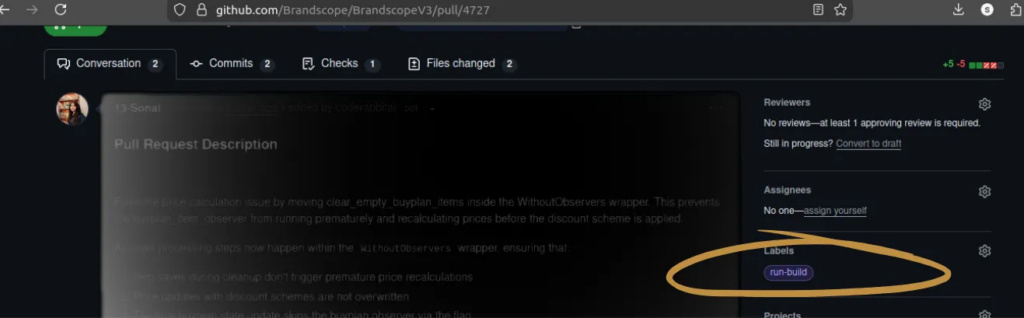
The label run-build becomes the single source of intent for heavy test runs:
run-build
Benefits:
- Visible — Everyone on the PR sees it.
- Intentional — Tests only run when explicitly requested.
- Consistent — All developers and CI runs behave the same.
Workflow Overview (Visual)
Here’s the full workflow:

Steps in the workflow:
- PR Event — PR opened, commits pushed, or label added.
- Conditional Check — GitHub Actions evaluates if run-build exists.
- Environment Setup — A clean runner spins up PostgreSQL, Redis, and any other required services.
- Database Preparation — DB is dropped, recreated, migrated, and seeded.
- Running Specs — All spec folders are explicitly executed.
- Coverage Report — SimpleCov generates coverage data and uploads it as an artifact.
Workflow Trigger Explained
					on:
 pull_request:
   types: [opened, synchronize, labeled]
   branches:
     - master
The workflow listens for three events:
- PR Opened — Fresh PR starts the listener.
- New Commits (synchronize) — Updates automatically trigger a check.
- Label Added — Only the run-build label starts the full RSpec run.
Gatekeeper: Conditional Execution
if: contains(github.event.pull_request.labels.*.name, 'run-build')
This ensures:
- No label → no heavy test run.
- Label present → run full RSpec suite.
This keeps CI efficient and gives developers control over when tests execute.
Runner and Service Setup
					 runs-on: blacksmith-4vcpu-ubuntu-2204


services:
 postgres:
   image: postgres:11
 redis:
   image: redis
- Runner — Handles Rails, multiple services, and resource-intensive jobs.
- PostgreSQL & Redis — Matches production services for realistic test conditions.
Why services matter:
Tests often fail due to stale data or missing dependencies. Running fresh services every time ensures reliable, reproducible results.
Dependency Setup and Caching
					Ruby Version
ruby-version: 3.2.8
Locking Ruby prevents version mismatches between local and CI environments.
Bundler & Gem Caching
					Ruby Version
ruby-version: 3.2.8
Cache speeds up builds:
- ✅ Faster CI runs
- ✅ Reduced network usage
- ✅ Stable gem versions
But we still run bundle install every time for correctness.
Database Setup
					bin/rails db:drop
bin/rails db:create
bin/rails db:migrate
bin/rails db:seed
- Drop → Remove old data
- Create → Prepare a fresh database.
- Migrate → Apply schema changes.
- Seed → Add essential test data.
This guarantees clean, predictable tests every run.
Running All Specs Explicitly
bundle exec rspec spec/controllers/ spec/models/ spec/services/ …
Why explicitly list folders?
- Avoids missing specs in new or unusual directories.
- Ensures 100% test coverage.
- Prevents accidental partial test runs.
Coverage: Automatic & Uploaded
					COVERAGE=true
uses: actions/upload-artifact@v4
if: always()
- SimpleCov starts automatically.
- Coverage report is uploaded even if tests fail.
- Developers don’t need extra setup.
Coverage artifacts can be used for comparisons, CI quality gates, or metrics dashboards.
rspec.yml Integration
rspec.yml centralizes test configurations:
- Common flags and options
- Clean CLI commands
- Consistent behavior across local and CI runs
No duplication, no hidden flags — just reliable results.
Scaling for Large Projects
- Saves CI resources for trivial PRs
- Reduces developer friction for minor changes
- Ensures intentional, meaningful test runs for critical changes
Even for large teams with hundreds of specs, label-based execution keeps CI predictable and manageable.
Troubleshooting & Best Practices
- Missing services — Ensure PostgreSQL, Redis, or other dependencies are included in workflow services.
- Stale DB issues — Always drop, create, migrate, and seed for reproducible results.
- Flaky tests — Use explicit spec folder execution to avoid missing new tests.
- Coverage gaps — Monitor uploaded artifacts and integrate with dashboards for metrics.
Final Verdict
Label-based RSpec workflow gives control, consistency, and confidence:
- Run tests only when needed
- Ensure fresh environments every run
- Guarantee full coverage and reproducible results